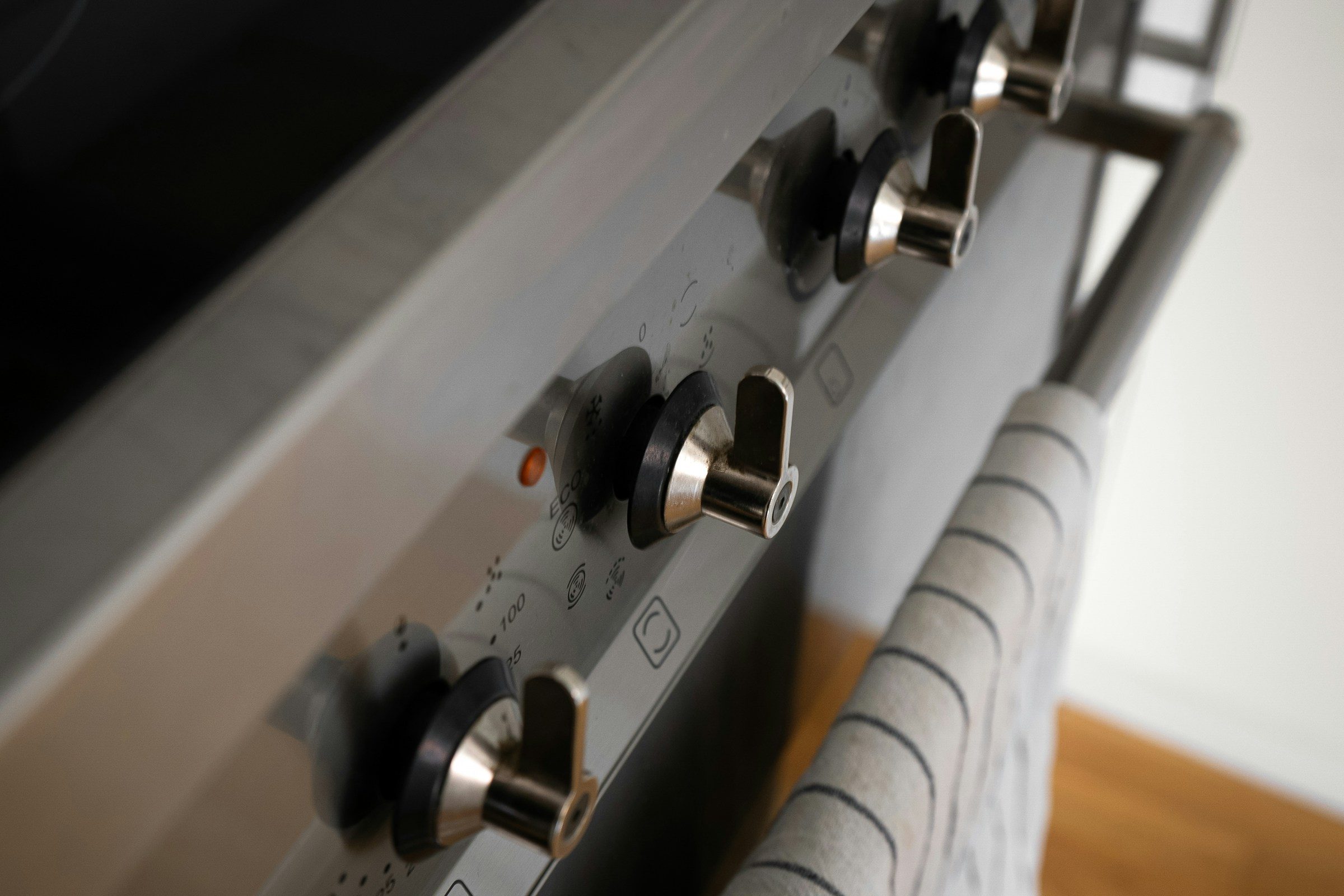
Common Problems
Your Bosch Oven Says SAFE: What It Means and How to Clear It
SAFE on a Bosch oven display means the control lock is engaged. It is a deliberate feature, not an error: the oven will not accept any setting while it is showing. On most models it clears by pressing and holding the lock key — often marked with a padlock, or the 0/Off key — for a few seconds until SAFE disappears. It has nothing to do with the door lock that engages during a self-clean cycle, which is a separate mechanism and a separate problem.
The full guide
What does safe mean on a Bosch oven?
SAFE means the control lock is on. The oven is refusing to accept settings on purpose. Press and hold the lock key — a padlock symbol on most models, the 0/Off key on some — for a few seconds until the word disappears.
That is the whole thing. What follows is why it is confusing, and how to tell it from the two other situations people describe with the same words.
Why this one word causes so much trouble
Every other message a Bosch oven puts on its display is a code: e101, e126, E100, e302. Letters and numbers, published in a table, each with a cause behind it.
SAFE is a word. It is not in the error code table because it is not an error, and that is exactly why people search for it — the table does not explain it and the manual mentions it once, in the section about the control lock, which nobody reads until something is wrong.
A word on the display is a mode. A letter and a number is an error. That single rule sorts most of what a Bosch oven ever tells you, and it also explains dE on a cooktop, which is the demonstration mode from a showroom floor and equally alarming until you know.
Clearing it
The key differs by model and generation, and there are three patterns:
- A key marked with a padlock. Hold it for three to five seconds. SAFE clears.
- The
0/Offkey. Same, held a little longer on some models. - Two keys together on a few of the older ranges — usually the two on either end of the panel.
If nothing on the panel is marked, the manual for your exact model number says which. It is worth finding out once, because this will happen again.
The three things people mean by "my oven is locked"
This is where the confusion actually lives. All three get described the same way on the phone and they are unrelated.
1. SAFE — the controls are locked
The display shows SAFE, the door opens normally, and nothing you press changes anything. This page. Clear it with the lock key.
2. The self-clean door lock has not released
The door physically will not open, usually after a self-clean cycle. That is a motorized latch, and it is designed not to release above a certain cavity temperature.
Let the oven go completely cold — several hours after a clean cycle, not twenty minutes. Most of them open on their own once it has. If it is still locked stone cold, the mechanism has a published error code of its own and it is a modest repair.
Do not lever at it. The latch is driven by a small motor and forcing it takes the door, the hinges and sometimes the control board with it.
3. The panel is not responding at all
No SAFE, no lock symbol, just a panel that ignores you or starts the wrong function. That is usually moisture or residue on the glass rather than electronics — a capacitive panel cannot tell a film of water from a finger — and there is a published code for it in which the manufacturer names condensation as a cause.
Wipe it dry, give it a few minutes, and cut power for five if it persists.
When SAFE will not clear
If you have held the right key, and cut power at the breaker for five minutes, and the word is still there, the setting is not the problem. Something in the control assembly is holding it, and that is a repair rather than a sequence of key presses.
It is not an expensive one by the standards of this appliance, and it is worth diagnosing rather than living with — an oven stuck in control lock is an oven you cannot use at all.
Before you call: photograph the display. Not because SAFE is hard to remember, but because if there is anything else on the panel — a code, a lock symbol, a flashing digit — that is the part that changes the answer, and it is usually gone by the time anybody arrives.
The other words a Bosch oven puts on its display
SAFE is the one people search for, and it is not the only word rather than code that these ovens show. Worth recognizing the rest, because each is a mode and none is a failure:
dE on a cooktop or a range — demonstration mode. Everything lights, everything responds, nothing heats. It arrives with appliances bought from a showroom floor and it is cleared by cutting power for thirty seconds and then touching a control within three minutes.
ERR with toP — a cooking zone was switched on while a self-clean cycle was running. Turn the zone off and restart the clean.
Sabbath mode — the oven holds a temperature and ignores the display and the light. It is deliberate and it is in the manual; it is also easy to enter by accident on some models.
A flashing clock — not a mode at all, but worth knowing: after a power cut many of these ovens will not start a heating function until the time of day has been set. An oven that refuses to bake the morning after a storm is frequently an oven asking what time it is.
Why a locked control exists at all
It is not there to annoy you. An oven at 450 degrees with a touch panel at waist height in a household with small children is exactly the case the lock was designed for, and a panel that can be changed by a cat walking across it is a real thing rather than a joke.
The trade is that a capacitive panel cannot tell a deliberate long press from a wet cloth, which is why the lock engages by accident often enough for this page to be one of the most-searched questions about the appliance.
Before you conclude it is broken
Three things, in order, and all free:
- Hold the lock key for five seconds. The padlock symbol, or
0/Offon some models. If nothing is marked, the manual for your exact model number says which key it is — worth finding out once. - Wipe the panel dry. Moisture on the glass produces a panel that ignores you, responds to the wrong key, or refuses in a way that looks like a lock.
- Cut power at the breaker for five minutes. Then set the clock when it comes back.
If SAFE is still on the display after all three, the setting is not the problem and the control assembly is. That is a repair, and not a large one by the standards of a wall oven.
If it turns out to be a repair
What this leads to, and what it costs
Every job on this site is priced the same way: an on-site diagnostic first, the figure agreed in writing before anybody starts.
-
Often moisture, not electronics Oven controls not responding
A touch panel that ignores you, responds to the wrong key, or works intermittently. Condensation on the glass causes this far more often than a failed control, and it has a published code of its own.
- Panel ignores touches entirely
- The wrong function starts
- Works when cold, not when cooking
-
After a self-clean cycle Oven door locked shut
A door that locked for self-clean and has not released. Most of them open once the cavity is genuinely cold — and the ones that do not have a published code of their own, which tells you how often this happens.
- Locked since a self-clean cycle
- Lock icon showing with the oven cold
- A grinding noise from the lock
-
30" · 24" · single, double, speed & steam Wall ovens
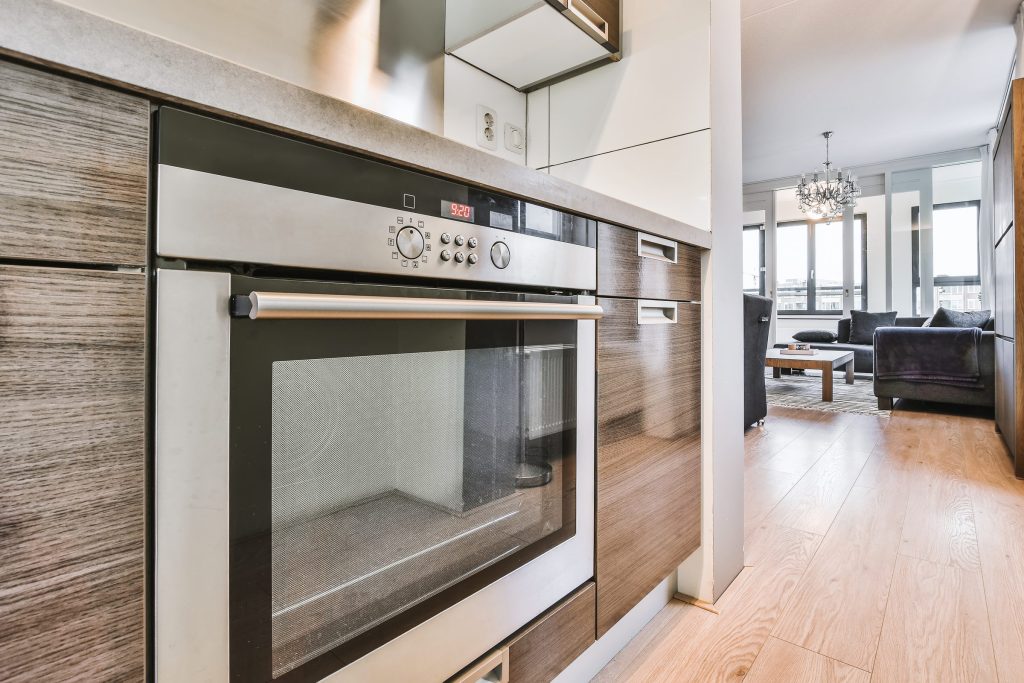
Built-in wall ovens, single and double, plus the speed ovens and steam ovens that share the same cavity opening. These are trimmed into a cabinet run and wired to their own circuit, so an oven that has stopped is often an oven that has to come out before anyone can say why.
- Not heating or not holding temperature
- Door locked after a self-clean cycle
- Touch panel unresponsive
Questions people ask about this
Is SAFE an error code?
No. Bosch error codes on these appliances are a letter and a number — e101, e126, E100. SAFE is a word, and a word on the display is a mode rather than an error. The oven is telling you it is locked, not that anything is wrong.
It appeared on its own and nobody set it.
Usually somebody did without meaning to. Wiping the panel down with a wet cloth is enough on a touch control, and on models where the lock is a long press of a key that also does something else, a child leaning on the panel will manage it. It can also survive a power cut, so it sometimes appears to arrive with the storm.
The door is locked and will not open. Is that SAFE?
No, and this is the distinction worth being clear about. SAFE locks the controls; the door still opens. A door that physically will not open is the self-clean lock, which is a motorized latch — let the cavity go completely cold, several hours rather than twenty minutes, and most of them release.
I have held every key and it will not clear.
Try cutting power at the breaker for five minutes. If SAFE is still there when it comes back and no key clears it, the control panel itself is the question rather than the setting — and that is a repair rather than a sequence.
Is there a way to stop it happening?
Not to disable it, no — it is a safety feature and it stays. What helps is knowing which key does it on your model so you clear it in five seconds instead of searching, and wiping the panel with a dry cloth rather than a wet one.
Common Problems
More guides like this one
-
Why Your Bosch Dishwasher Leaves Plastics Wet — and When It Is Actually a Problem
The single most common call we take on this brand, and most of the time there is nothing to repair. How condensation drying works, why plastic is the one thing it cannot do well, and the two cases where wet dishes are a genuine failure.
Read more -
A Bosch Gas Burner That Keeps Clicking: What It Is Doing and How to Stop It
Clicking that carries on after the burner has lit, or with every knob turned off, is one specific and very fixable thing — and it is not the same problem as a burner that will not light at all.
Read more -
Bosch Wine Storage Is a Drawer, Not a Cabinet — and That Changes What Goes Wrong
There is no standalone Bosch wine cooler in the United States. Wine lives in a glass-fronted drawer built into a French-door refrigerator, sharing that refrigerator's cooling — which means a warm drawer above a healthy fridge is an air-distribution problem, not a compressor one.
Read more
Tell us the model number and what it is doing.
This article is based on:
- Official manufacturer documentation
- Internal repair procedures
- Technician repair history
- Company quality standards