Troubleshooting
Bringing a Bosch Oven Back After a Power Cut
Cut power to the oven at the breaker for five full minutes, then restore it and set the clock. That clears most of what a power cut leaves behind — a blank or frozen display, a control that ignores keys, a code that appeared with the outage. What it does not clear is real surge damage, and the tell is simple: a condition that returns immediately after a full reset, or an oven that trips the breaker when it heats, is reporting something physical rather than a confused control.
The full guide
How to reset Bosch oven after power outage: what a power cut actually does
Not much, most of the time. The electronics in an oven are designed to lose power — it happens every time somebody works on the kitchen circuits — and they come back up and carry on.
What causes trouble is not the outage itself but what surrounds it: the voltage sag before the power drops, the surge when it returns, and the several rapid on-off cycles the grid sometimes produces while it is deciding. Those are the conditions that leave a control in a state it does not recover from on its own.
So there are two possibilities, and they are easy to tell apart: a confused control, which a proper reset clears, and real damage, which it does not.
Before anything: photograph the display. If a code arrived with the outage, that is the most useful piece of evidence in the whole story, and the reset you are about to do will erase it.
The reset, done properly
Five minutes at the breaker. Not the oven's own off key, not thirty seconds.
A wall oven is on a dedicated circuit and it will be labeled in the panel. A slide-in range usually is too. Switch it off, walk away for five minutes, switch it back on.
The reason for five rather than one: the control has enough stored charge to hold its state through a brief interruption, which is why a quick flick of the breaker frequently changes nothing and convinces people the reset does not work.
Then set the clock
This deserves its own heading because of how often it is the whole answer.
Many of these ovens will not start a heating function until the time of day has been set. After a power cut the clock is flashing or blank, somebody presses Bake, nothing happens, and the conclusion is that the outage broke the oven.
Set the time. Try again.
What the reset clears
- A frozen or blank display
- A panel that ignores keys — assuming the control lock is off
- Transient codes that appeared at the moment the power returned
- An oven stuck in a mode it was in when the power dropped, including a self-clean cycle that was interrupted
That last one is worth knowing: an interrupted self-clean can leave the door lock part way, and restarting and then canceling the cycle properly usually releases it.
What it does not clear
A breaker that trips when the oven heats
Stop using the appliance. A breaker that trips under load is not being fussy — something is drawing current it should not, and on an oven the usual candidate is a heating element that has failed and is now finding a path to earth.
This is one of the few things on this whole site where the advice is to leave it switched off until somebody has looked at it.
A code that returns immediately
If the same code is back within one cycle of a full five-minute reset, it is reporting a physical condition rather than a state. These ovens are unusually specific about which — the temperature sensor, the touch panel, communication between the boards, and two distinct overheat codes depending on whether the control panel or the power board is the one that got hot.
A burning smell, or an element that glows unevenly
Both mean the element rather than the control, and both mean stop.
Why this happens in clusters here
Storm season produces the whole pattern at once: the outage, the sag before it, the surge after, and in a lot of buildings a generator transfer that is not as clean as the grid. We see the same three or four symptoms across a neighborhood in the same week, and a good share of them clear with five minutes at a breaker.
That is worth knowing before booking anything. It is also worth telling us when you do book — "it started the night the power went out" and "it has been doing this for a month" lead to different first checks, and the first of those two often ends with a reset and no charge for a part.
The version of this that is not the oven: if several appliances came back strange at once, the question moves upstream to the supply. These appliances publish voltage codes for exactly that reason, and a cooktop showing one is telling you about the building rather than about itself.
If it turns out to be a repair
What this leads to, and what it costs
Every job on this site is priced the same way: an on-site diagnostic first, the figure agreed in writing before anybody starts.
-

Never hot, or never hot enough Oven not heating
An oven that never warms up, or one that heats but sits well below the temperature it was set to. Those are different problems with different parts and quite different figures.
- No heat at all
- Runs cool by a consistent amount
- Takes far longer to preheat than it used to
-
from $310 Control board replacement
The repair we most want to rule out before doing. A board is the expensive part on most of this equipment, and a good share of the symptoms that point at one turn out to be a sensor, a harness or a power supply instead.
- Confirmed before it is condemned
- Power supply and harness checked first
- OEM boards on order against the model
-
30" · 24" · single, double, speed & steam Wall ovens
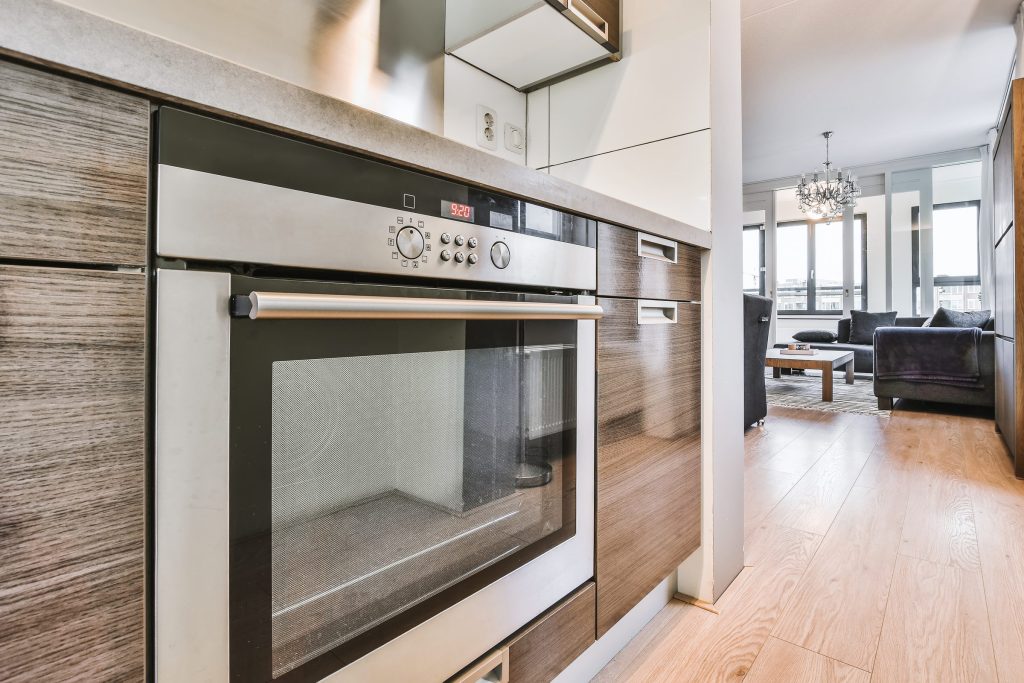
Built-in wall ovens, single and double, plus the speed ovens and steam ovens that share the same cavity opening. These are trimmed into a cabinet run and wired to their own circuit, so an oven that has stopped is often an oven that has to come out before anyone can say why.
- Not heating or not holding temperature
- Door locked after a self-clean cycle
- Touch panel unresponsive
Questions people ask about this
Why does the oven need the clock set before it will heat?
Because the timer and the heating functions share a control, and the control will not run a timed function without knowing the time. It looks like a dead oven and it is a two-key fix — and it is genuinely one of the most common calls we take the week after a storm.
It trips the breaker when it heats.
Stop using it. That is not a control problem: something is drawing current it should not, and the usual candidate is a heating element that has failed to earth. The breaker is doing exactly what it exists to do and the oven needs looking at before it is used again.
The display came back but the panel ignores me.
Try the reset again, and check the control lock — SAFE on the display means the controls are locked, which sometimes survives an outage. If neither helps, the touch control is the question.
Should I put the oven on a surge protector?
A whole-house surge device at the panel is the sensible version for a hard-wired appliance, and worth discussing with an electrician here. A plug-in strip is not an option for an oven and does nothing for the circuits that matter.
How do I know if it is really surge damage?
By whether it comes back. A control confused by an outage clears with five minutes at the breaker and stays clear. Damage returns immediately, or shows as a breaker that trips, a burning smell, or an element that glows in one place and not another.
Troubleshooting
More guides like this one
-
How to Reset a Bosch Washing Machine, by Series
The reset differs by series and most guides pick one and present it as the answer. What works on which generation, what a reset will not clear, and the codes on these machines that are written with a colon and mean two things at once.
Read more -
How to Reset a Bosch Dishwasher — Every Reset, and What Each One Clears
There are three different resets on these machines and most guides pick one and call it the answer. What each one actually clears, which codes survive all of them, and why photographing the display first matters more than the reset does.
Read more -
Clearing a Bosch Dishwasher That Will Not Drain, Step by Step
Five causes, four of which you can clear yourself in twenty minutes with a cup and a towel. The filter and the drain pump cover are designed to come out by hand — and between them they explain most standing water.
Read more
Tell us the model number and what it is doing.
This article is based on:
- Official manufacturer documentation
- Internal repair procedures
- Technician repair history
- Company quality standards